
OGSM status: Draft, Active, Inactive
Each OGSM has a status:
- Draft: All participants can add and edit items. No update emails are sent about changes in the OGSM.
- Active: Participants can only edit their own items. Administrators can edit all items. Team members receive update emails when changes are made. For an active OGSM, the administrator can also set up doing and steering sessions.
- Inactive: The OGSM can no longer be edited or selected in overviews. However, it can still be viewed via ‘Teams’ in the menu.
Changing the status
- Open the OGSM.
- Click on the objective.
- Change the status field.
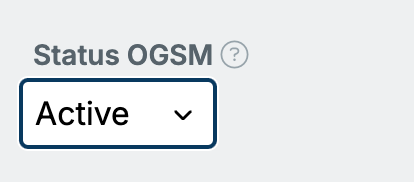
When the status is changed, a notification appears above the OGSM to inform users about what they can and cannot edit.

One active OGSM per team
If a team is part of the organizational structure, it has only one active OGSM. When you set an OGSM to Active, OGSM.online automatically sets the team’s other active OGSM to Inactive. This rule does not apply to separate teams.
A full copy (snapshot) gets the status Inactive right away. That way copying never creates a second active OGSM. Read the article: Copy an OGSM.