
Generating an OGSM with AI
Lees dit artikel in het Nederlands
AI can help create an OGSM (Objectives, Goals, Strategies, Measures). This allows you to quickly establish a first version that you can refine yourself.
AI is faster than typing yourself, but sometimes feels a bit slow. It can take 5-10 seconds before you see the result.
Generating Goals
Goals are generated based on keywords in the objective.
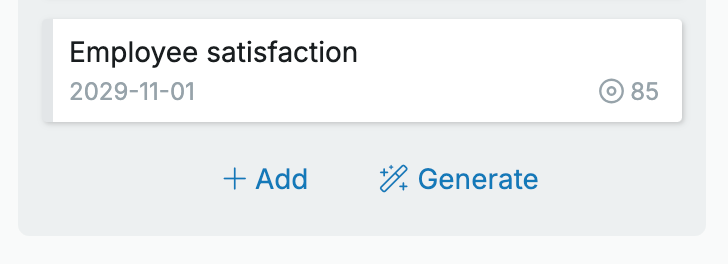
- Click the ‘Generate’ button.
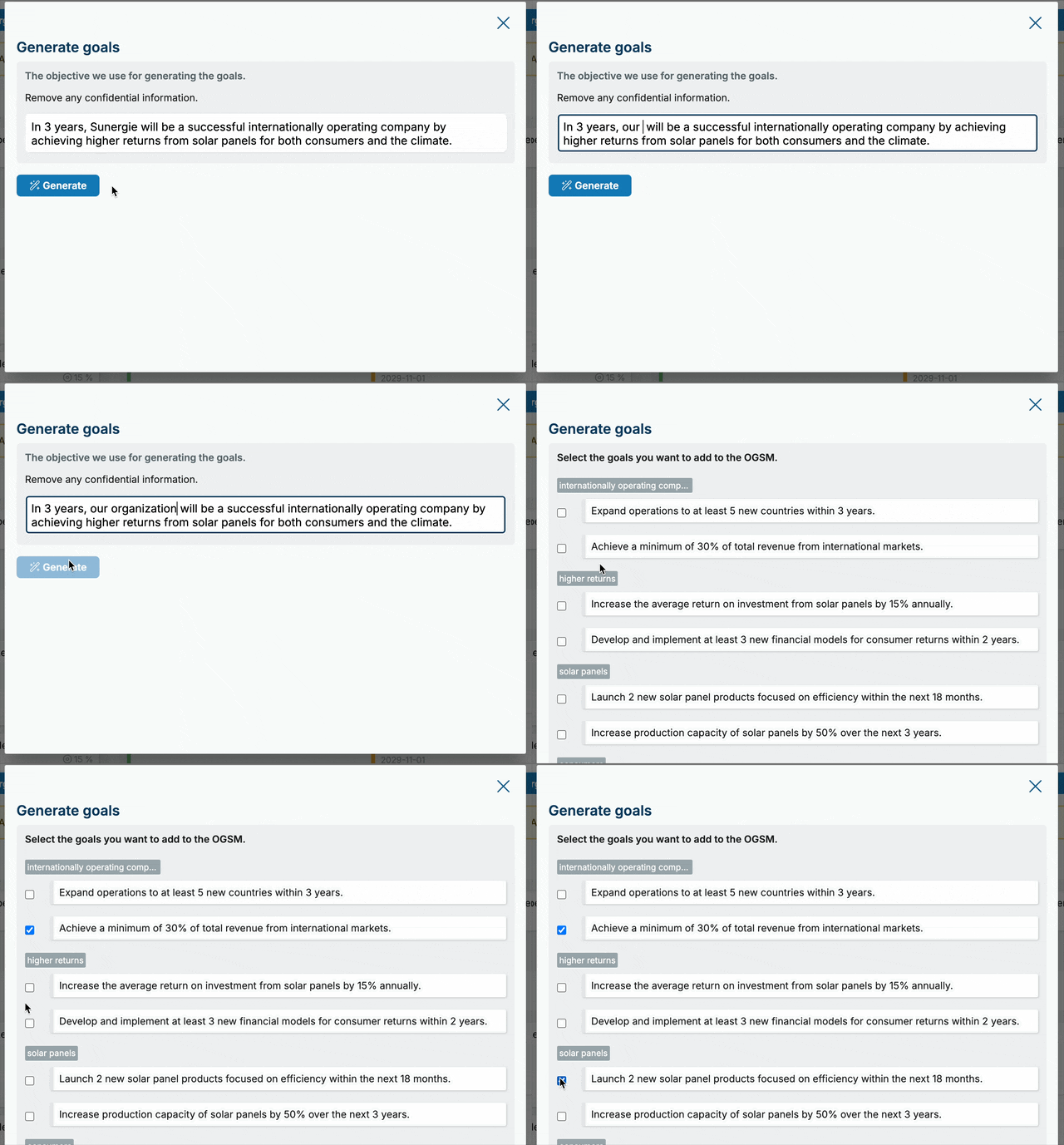
- You will now see the objective. Remove confidential information from the objective.
- Click the ‘Generate’ button. The goals are now being created. Note: this may take some time.
- You will now see several suggestions per keyword. Select the goals you want to include in the OGSM.
- Click ‘Add to OGSM’.
Generating strategies
- Click the ‘Generate’ button.
- You now have two options:
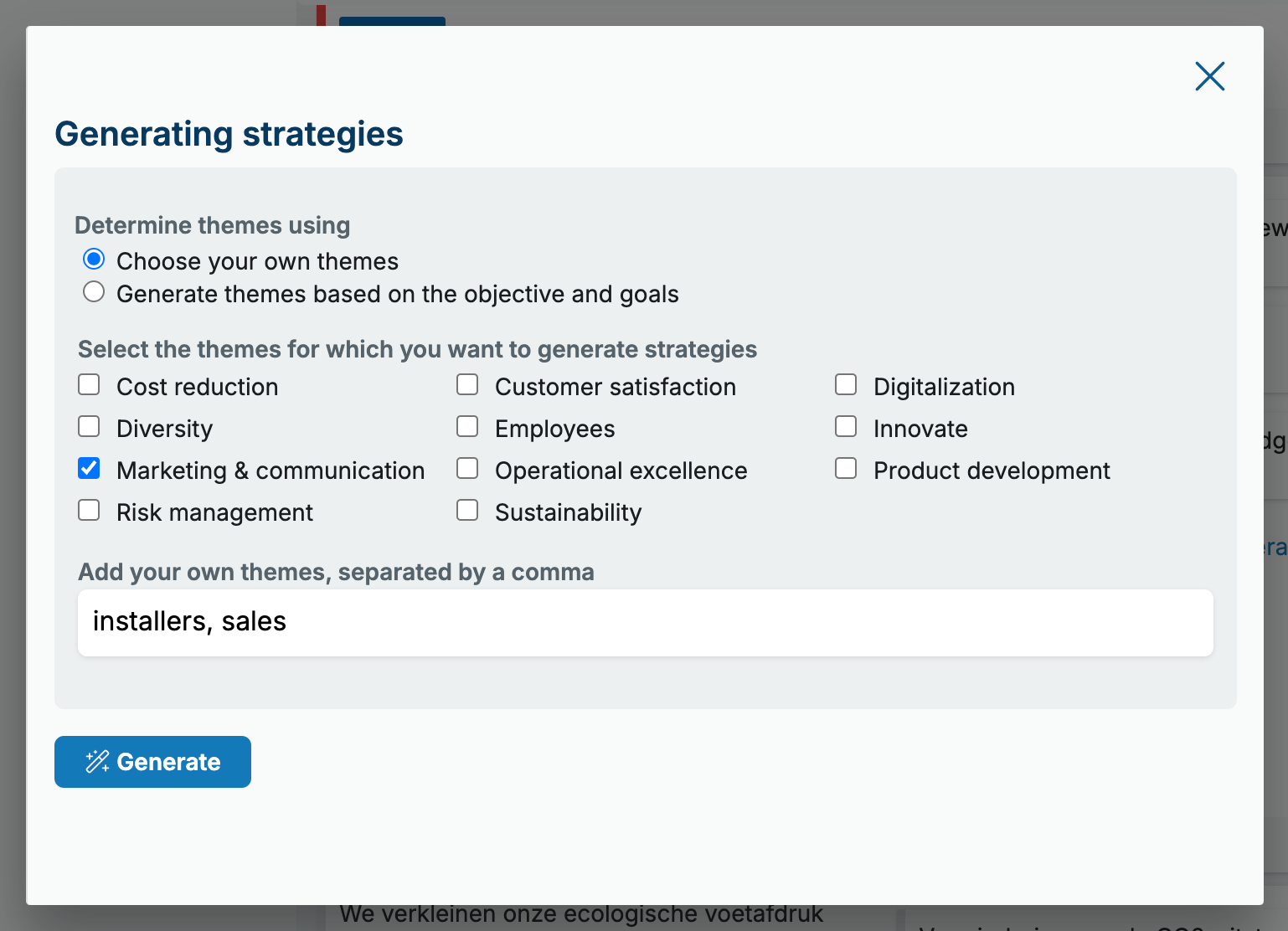
- Choose the themes yourself on which AI generates strategies.
- Automatically determine themes from your objective and goals.
Choosing themes yourself
- Select the themes you consider important.
- Type your own themes if needed.
- Click the ‘Generate’ button.
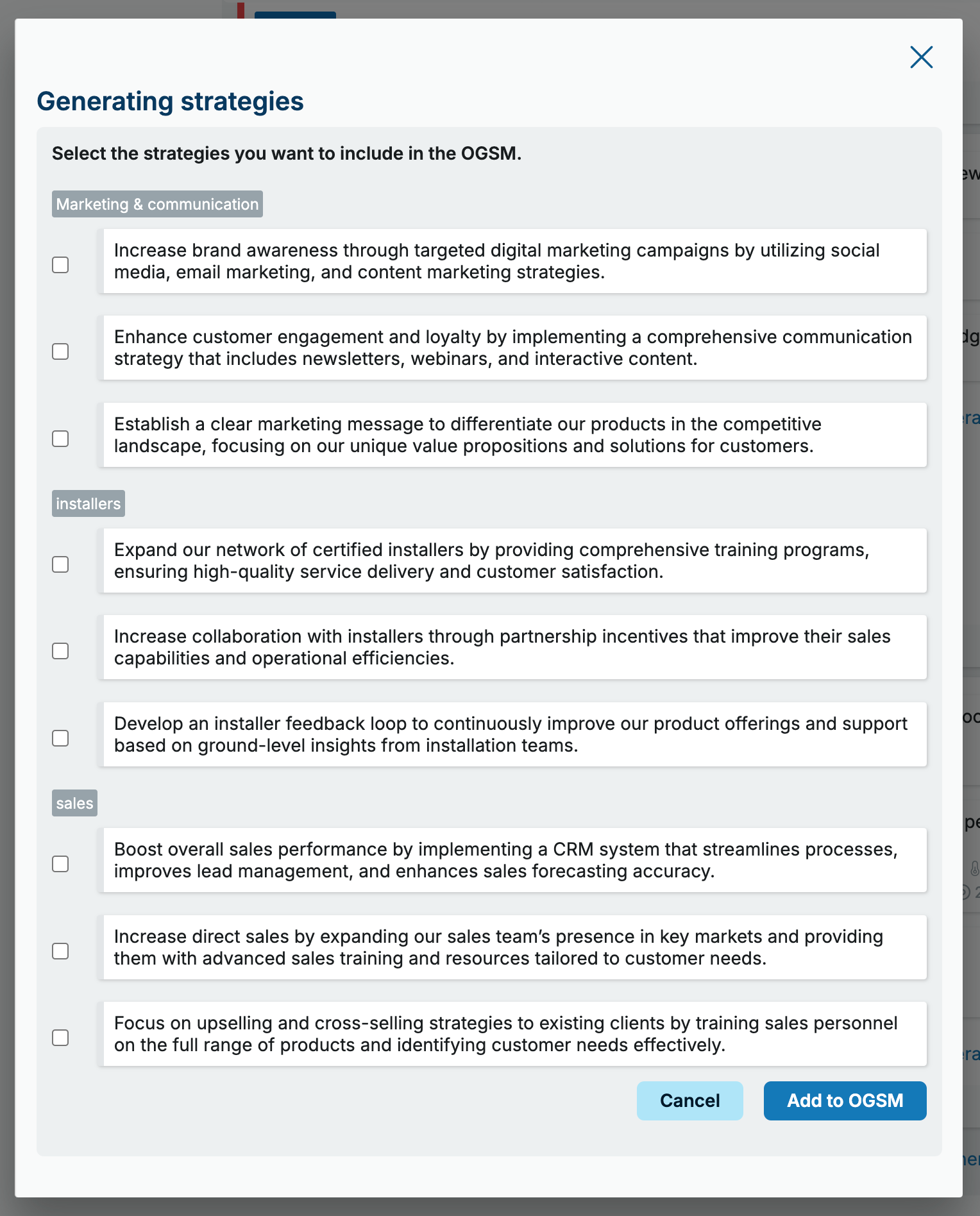
- You will now see three options per theme.
- Select the strategies you want to put in the OGSM.
- Click ‘Add to OGSM’.
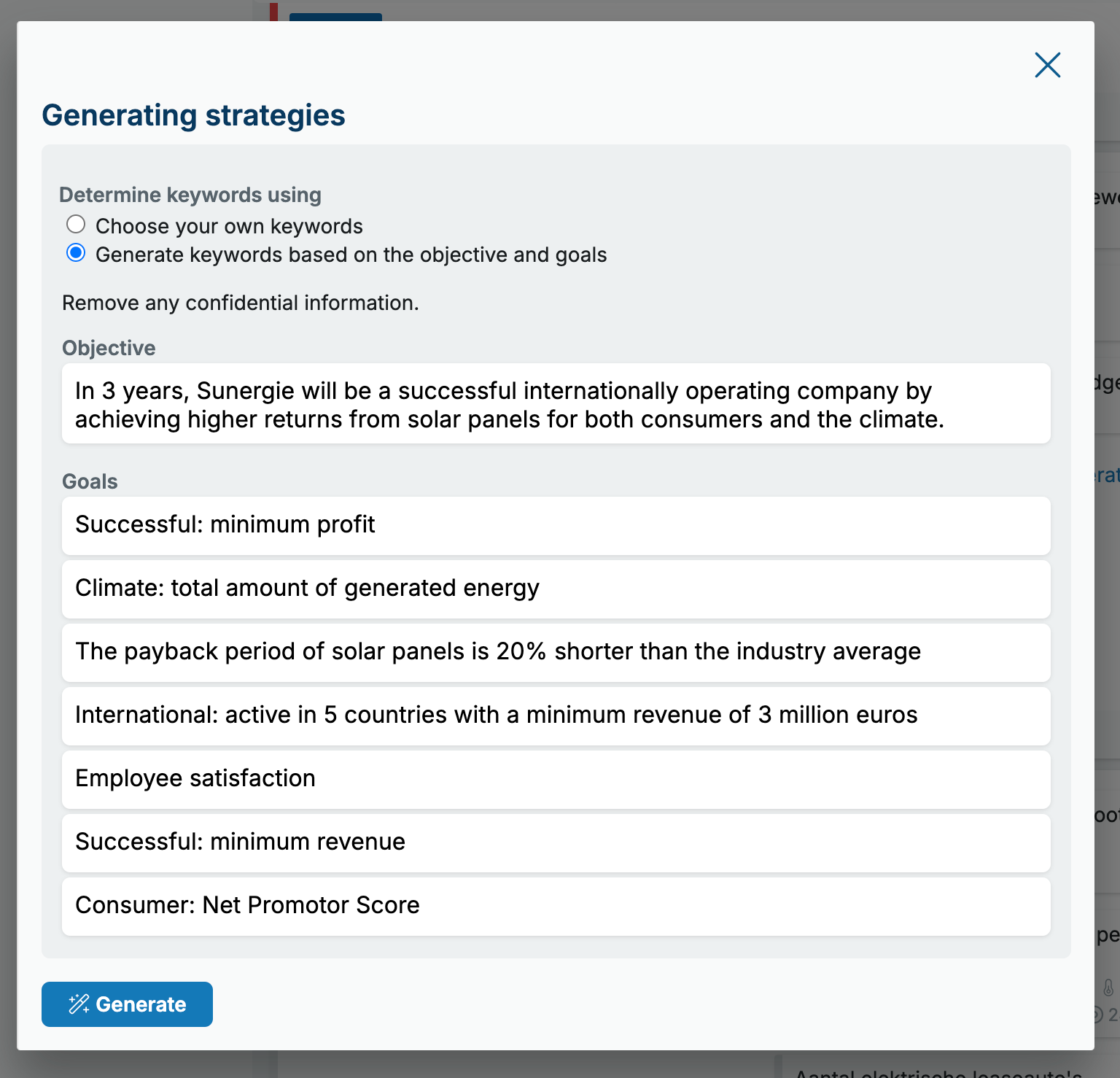
Automatically determining themes
- You will see the objective and goals. Remove confidential information (such as the organization’s name).
- Click ‘Generate’.
- You will now see three options per theme. Select the strategies you want to put in the OGSM.
- Click ‘Add to OGSM’.
Generating indicators
- Click the ‘Generate’ button.
- You will now see the strategy. Remove confidential information from the text.
- Click ‘Generate’.
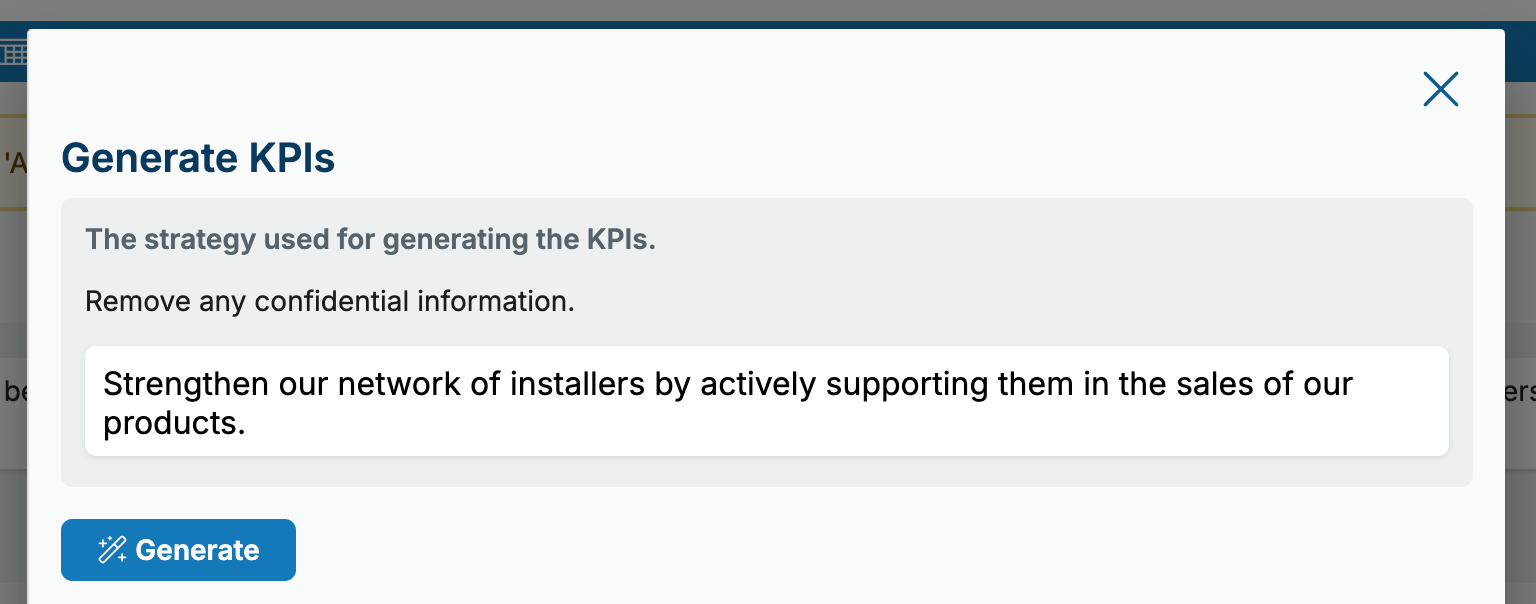
- You will now see several suggestions per keyword. Select the indicators you want to include in the OGSM.
- Click ‘Add to OGSM’.
Generating actions
- Click the ‘Generate’ button.
- You will now see the strategy. Remove confidential information from the text.
- Select whether you also want to generate actions based on the indicators. If so, you can also remove confidential text from the indicators.
- Click ‘Generate’.
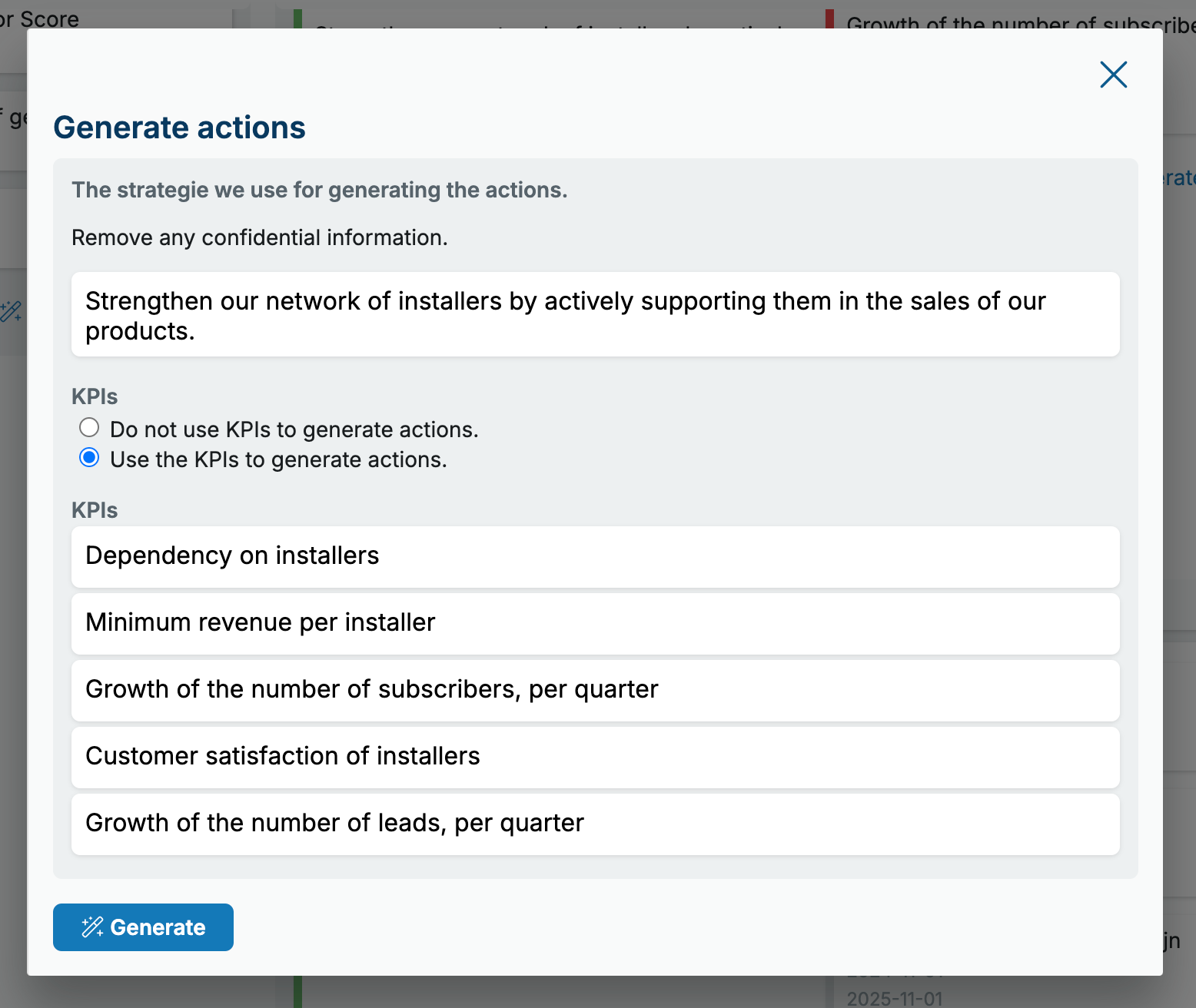
- Select the actions you want to put in the OGSM.
- Click ‘Add to OGSM’.
Note: The administrator of the environment may have disabled the AI functionality. In that case, the button will not be available.